1
Daily devotion
Begin with a shared KJV verse and a short reflection designed for memorization.
100% free KJV memory app
Scriptura Mea helps you memorize the King James Bible with daily devotions, verified KJV verse selection, private notes, spoken playback, spaced review, groups, accountability partners, and reminders.
No ads. No upgrades. No in-app purchases. Just Scripture memory.
Open the app for a short devotion, choose verified KJV passages, add private notes, and let review scheduling keep the next step clear.
Begin with a shared KJV verse and a short reflection designed for memorization.
Use flashcards, word hiding, typing, and spoken recitation to learn actively.
Spaced repetition brings verses back when they are due, not when they are forgotten.
Browse, search, and choose passages from the public-domain King James Version.
Create a group, share a join code, and memorize together on a paced reading plan.
Email and browser notifications help users return without pressure or clutter.
Keep personal study notes with each verse while your memorization progress stays organized.
Invite one person to memorize with you and keep a shared duo streak moving together.
Celebrate streaks, mastered verses, milestones, and verse cards with Scriptura Mea branding.
Everything is designed around daily practice: read, listen, review, take notes, and return tomorrow.
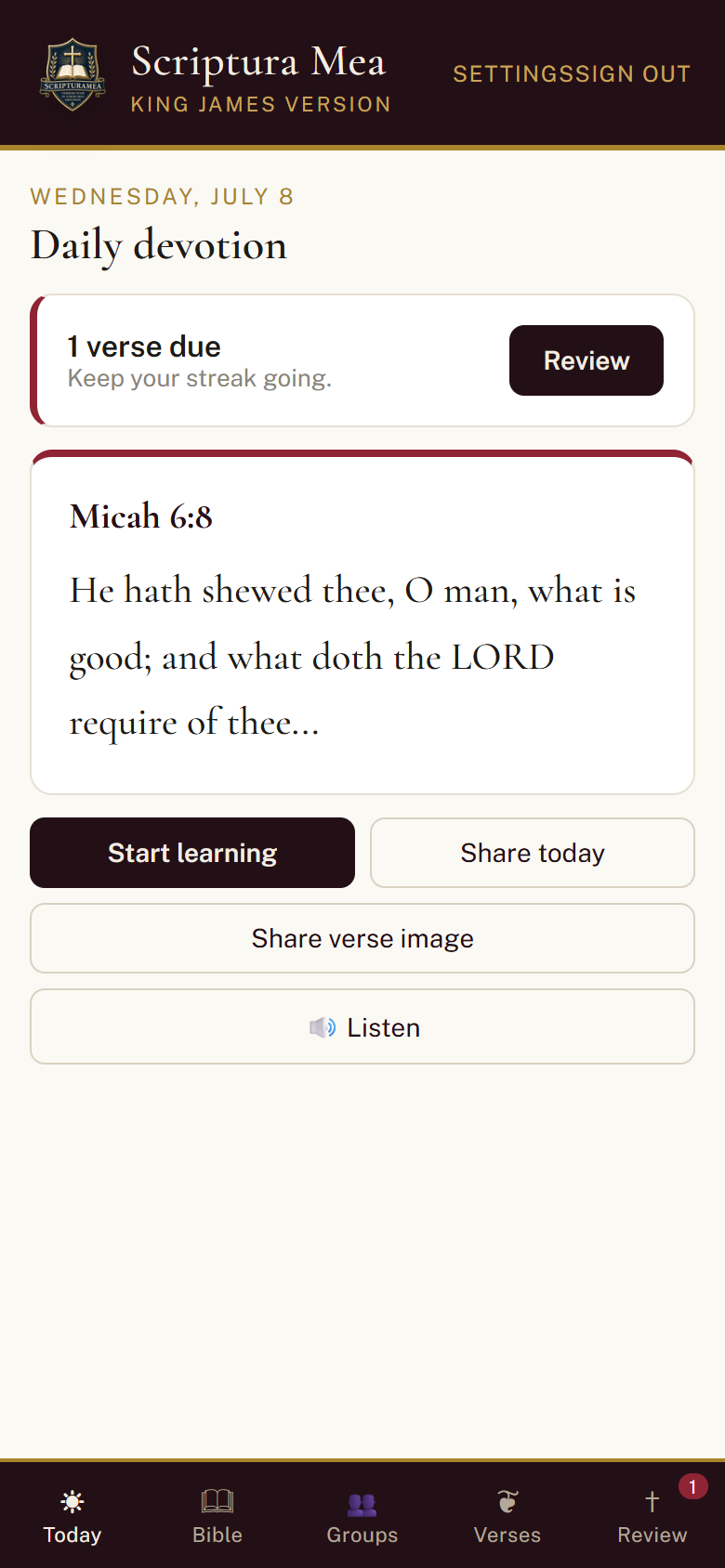
Start with today's KJV passage, share the devotion, or listen aloud.
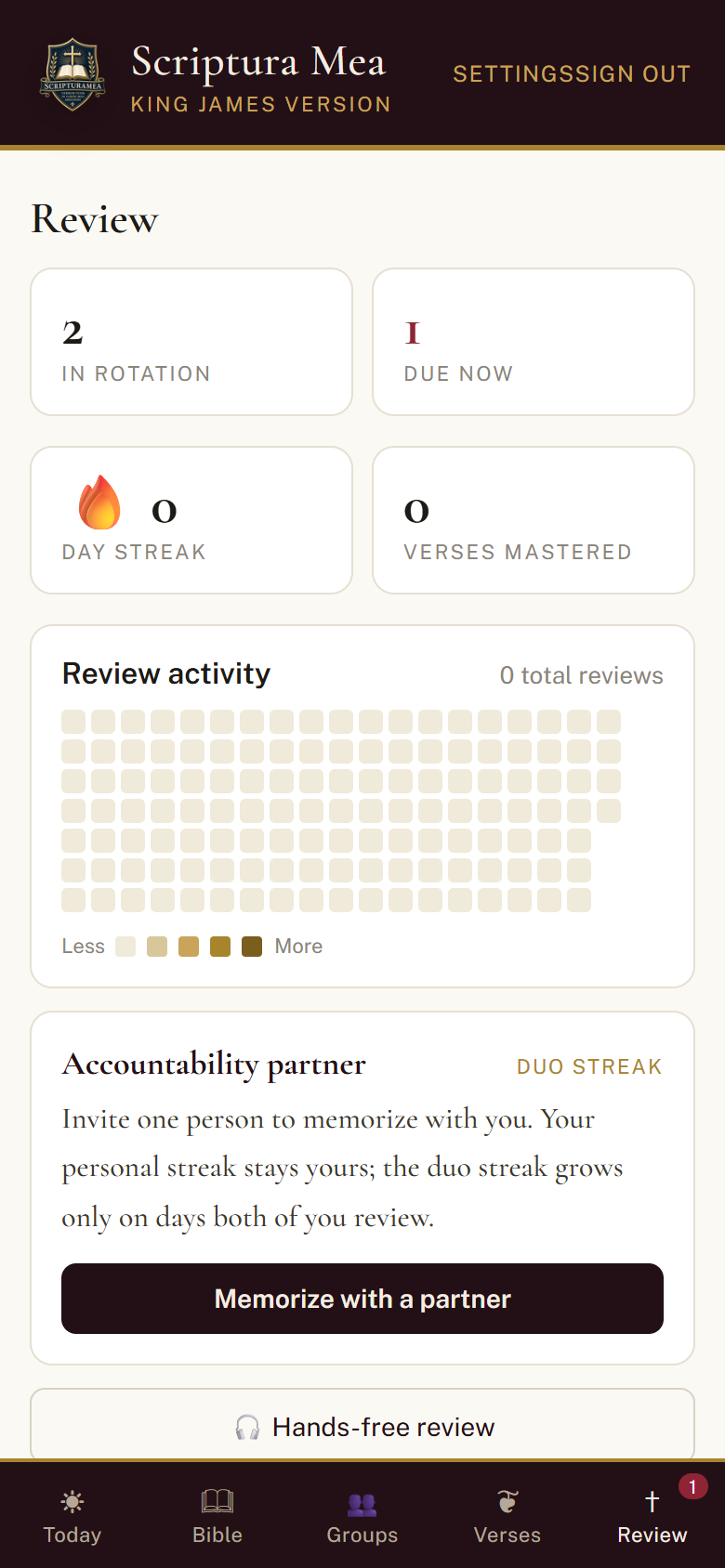
See what is due, keep streaks alive, and practice with active recall.
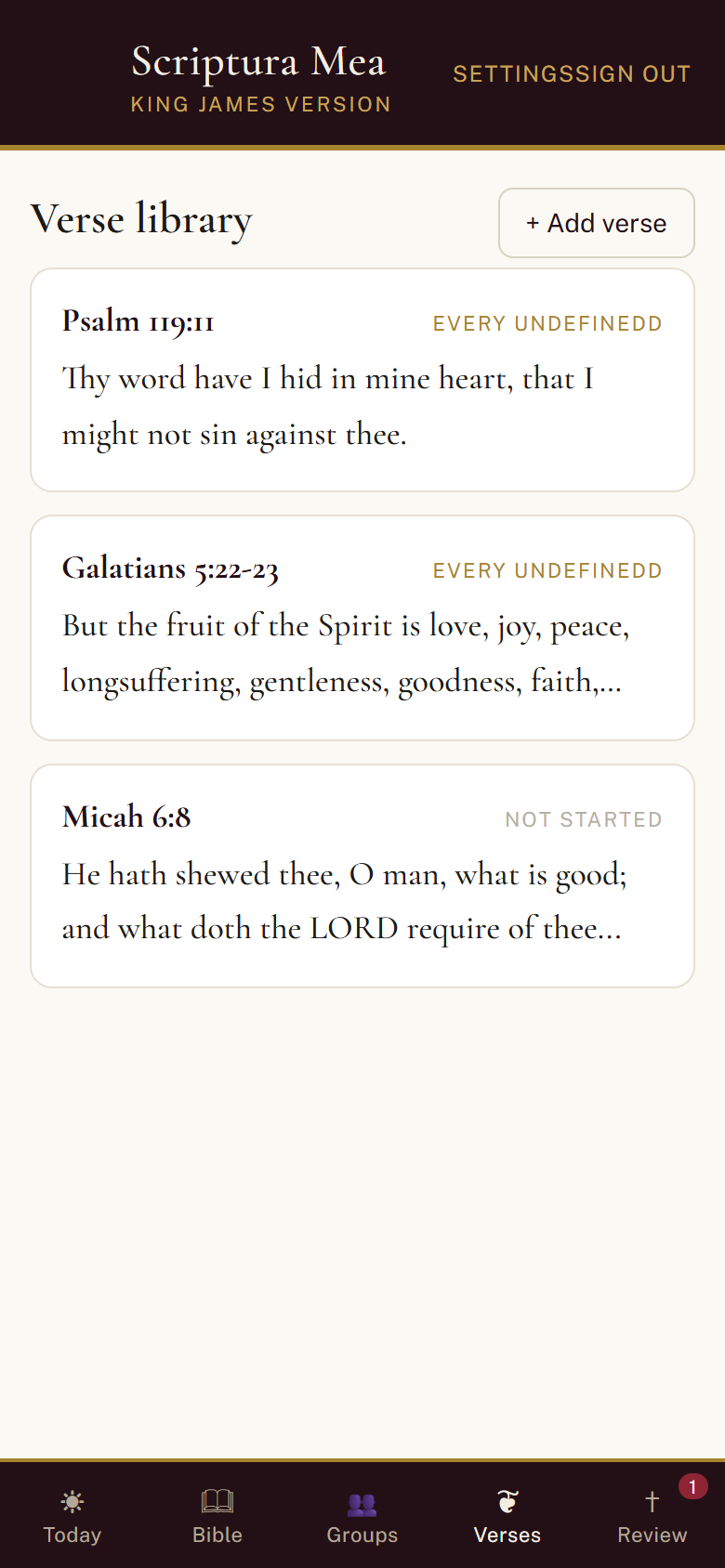
Choose verified KJV verses and keep private notes as you learn.
Scriptura Mea is offered as a free scripture-memory tool. There are no premium tiers, locked features, upgrade prompts, ads, or in-app purchases.
The first visit is simple: create an account, choose a verse, and begin learning.
Sign up with your name, email, and password. There is no payment screen.
Start with the daily devotion or select a verified passage from the KJV Bible.
Practice in short sessions and let the app keep track of what is due next.
Scriptura Mea works in the browser today while the native iOS and Android apps are still ahead.
On iPhone, install Scriptura Mea to your Home Screen from Safari, then open it from the Home Screen icon before enabling notifications. Normal Safari or Edge tabs may say this device does not support notifications.
Windows, Mac, and Android browsers can usually enable reminders directly after the browser asks for notification permission.
Scriptura Mea is open now, free to use, and built around the King James Version.
Create your free account